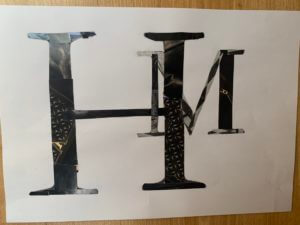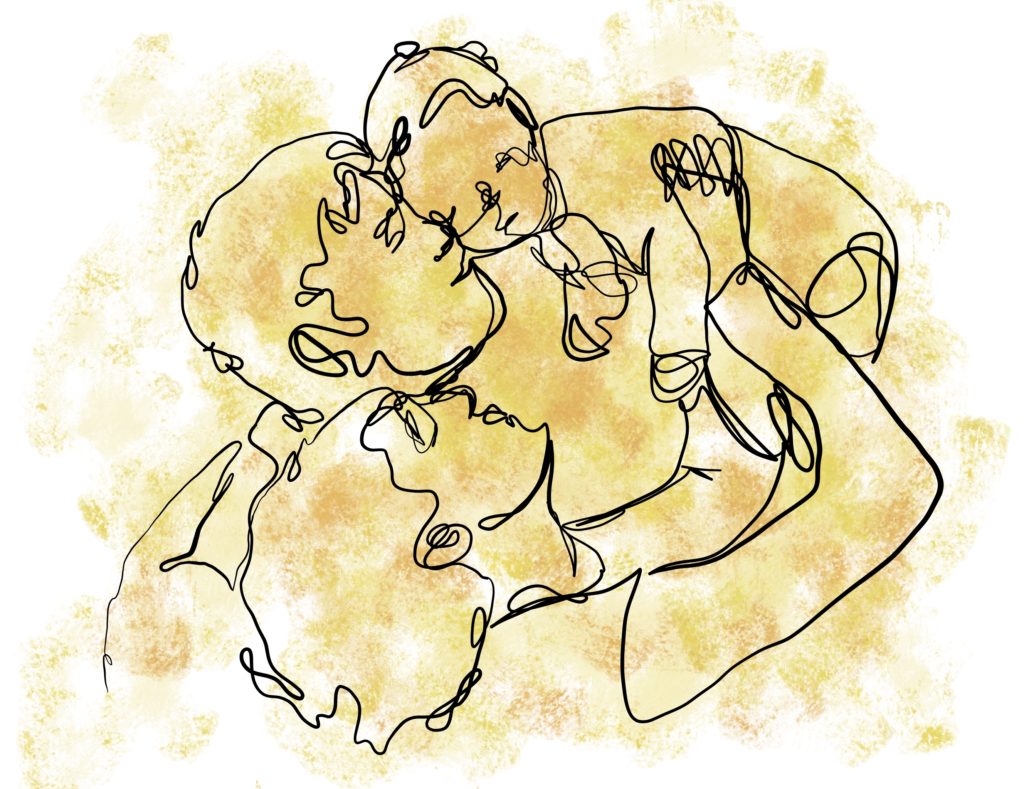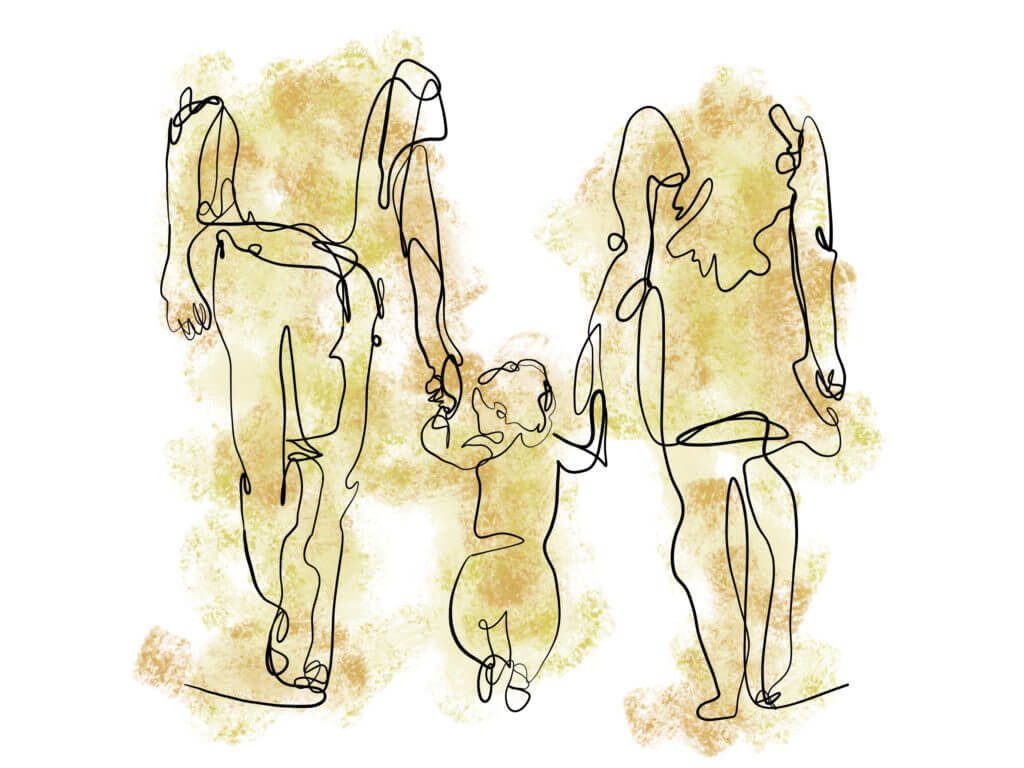

Cristiana Couciero was my inspiration for this work. She has a simple photomontage style that I thought would be appropriate for the style i am going for.
Using the image shown, I implemented the circle to show the main image. The ruler and protractor outlines show order and depth to the image. The number that I chose in my final work was the day Queen Elizabeth II was crowned. This added more meaning to photomontage. Couciero’s work is centered towards the middle and leaves the outer space empty. The use of black space allows balance and the text creates more texture.
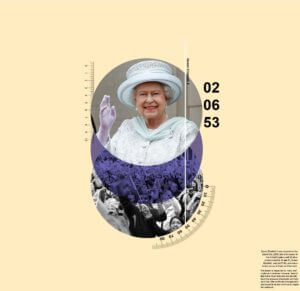
The first image represents supporters and followers. The colour blue gives a calm ambiance to the image and the lighter peach background exudes warmth. Overall, the image is giving a positive aesthetic.
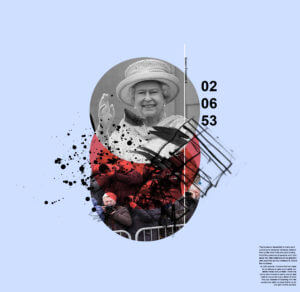 Instead of a blue circle, it changes to red to give a more aggressive tone. The blue background compliments the red and makes it more dynamic as it’s darker. Mark making were used to replaced the measurements to represent more chaos and irregularity. The photos of the fans were replaced with paparazzi to represent the invasion of privacy and loudness that they represent.